Console + public site
Two places where Letaido puts what it builds: one for your team, one for everyone else.
1. The Console (internal)
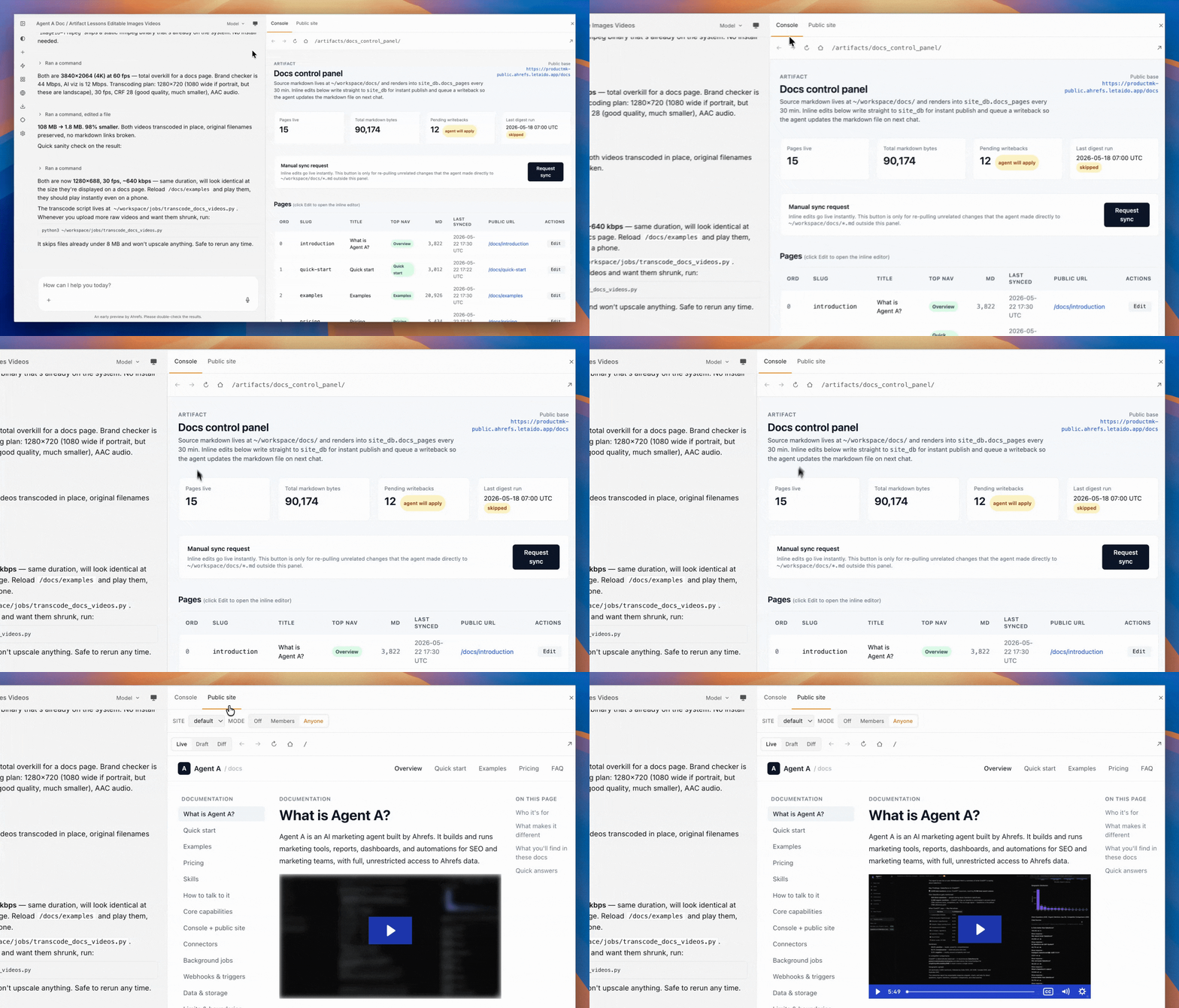
The Console is a members-only web app where Letaido drops internal tools. Think of it as your team's private dashboard surface.
- Reachable only to workspace members. Anonymous visitors get a login wall.
- The app reads identity from auth headers, so every page knows who is viewing it (owner, admin, member, viewer).
- Database access: full read/write to
console_dbandconsole_site_db. Cannot reachsite_db.
Build a Console page when:
- The output is for your team only.
- It needs to query internal data, call connectors, or surface controls.
- Customers should never see it.
Reports, Applications, Artifacts
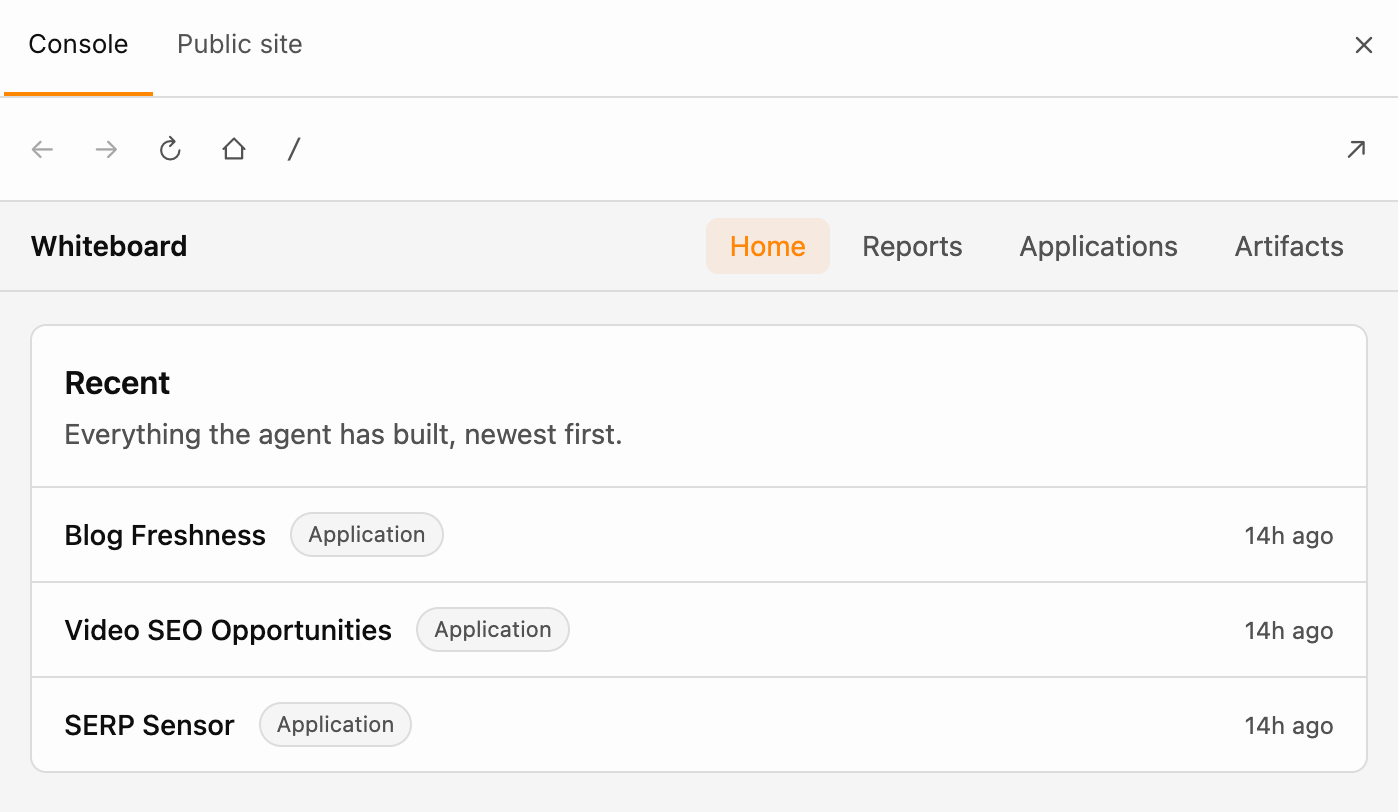
Everything Letaido builds in the Console falls into one of three buckets. The Console home page has a tab for each (Reports, Applications, Artifacts) plus a Home tab that lists everything together, newest first, with the category as a tag next to the title.
| Bucket | What it is | What your team does with it | Examples |
|---|---|---|---|
| Reports | Charts, tables, and filtered data views | Open it, read the numbers, filter, leave | Ahrefs Brand Authority, AI Visibility, Rank Monitor |
| Applications | Multi-page tools and complex workflows | Paste an input, run a pipeline, get an output, return to past runs | Battlecard Generator, AI Visibility Dashboard, Paid Ads Campaign Builder |
| Artifacts | One-off items: a chart, a table, a snippet of copy | Glance at it, copy it, share it, move on | Email preview, homepage block, AEO 101 section, Ahrefs Feature Library |
Reports
A Report is something you open to look at the state of something. The value is in the data displayed; the main interaction is reading or filtering. Reports refresh from their data sources on a schedule or on demand. They live at /reports/<slug>/.
Ask for a Report when the answer to "why does this exist" is "so we can see X at a glance" (the state of our rankings, the share of voice this week, this month's brand authority delta).
Applications
An Application is something you use to do work. The value is in the workflow; the main interaction is creating, editing, or producing. Applications take input, run multi-step pipelines, store results, and let your team return to past runs. They live at /applications/<slug>/.
Ask for an Application when the answer to "why does this exist" is "so we can do X repeatedly without rebuilding the workflow each time" (generate a battlecard, run a campaign brief, produce a piece of copy).
Artifacts
An Artifact is a single piece of output you drop in once and reference later. It is small, self-contained, and not worth wrapping in a full app or report. Artifacts live at /artifacts/<slug>/.
Ask for an Artifact when the answer to "why does this exist" is "so the team has a place to look at it" (a homepage block preview, this week's email, a feature library, a one-pager for sales).
Not sure which one you want?
Describe the outcome and the agent picks the right bucket. Quick translations:
- "Show me weekly brand authority by competitor." → Report.
- "Build me a tool where I paste a competitor URL and get a battlecard back." → Application.
- "Generate a preview of next week's newsletter." → Artifact.
2. The public site (external)
The public site is the part of your workspace the open internet can reach, completely isolated from the Console your team uses. It exists to serve content to people outside your workspace.
- URL pattern:
/<route>for everything. Conventional patterns:/u/<token>for one-off shared reports,/r2s/<token>for reviewed runs,/docs/<slug>for these docs. - Visibility is controlled by a workspace-level toggle (see Modes below).
- Database access: read/write
site_db(it owns it). Read/writeconsole_site_db. Cannot reachconsole_db.
Build a public site page when: - A customer, prospect, or anonymous visitor needs to see something. - You want a shareable URL outside of email or Slack. - The data has already been generated (in Console or by a job) and you are just serving it.
Three modes for the public site
The public site has three states, toggled by an owner or admin from the workspace UI. The agent itself cannot flip these.
- off: nginx returns 403 to everyone. The Flask process is still running; no traffic reaches it.
- authorized: workspace members and explicitly invited guests can view it. Good for review before a launch.
- open: anyone with the URL can view it. Treat every visitor as untrusted.
When mode is open, the agent applies extra defaults: Pydantic validation on every visitor input, no per-visitor connector calls (cache to site_db instead), separate connector approvals for the site surface, and visible output is sanitized before persistence.
Cross-surface communication
The Console and public site live in different processes. They can still cooperate, but only through one explicit channel: the console_site_db database.
- Console writes data (a report, a brief, an artifact) into a table.
- Public site reads that table and renders it at a token-gated URL.
- Site can write back interaction signals (e.g. "the visitor clicked through") that the Console reads.
The agent does NOT try to proxy a Console query through a public route. The REVOKE is at the database layer; it would fail anyway, and it would also be the wrong design.