Skills
A skill is a repeatable, step-by-step process designed to complete a particular task without the standard back-and-forth.
Letaido reads it on demand when the task matches the skill's description, then follows whatever instructions it contains.
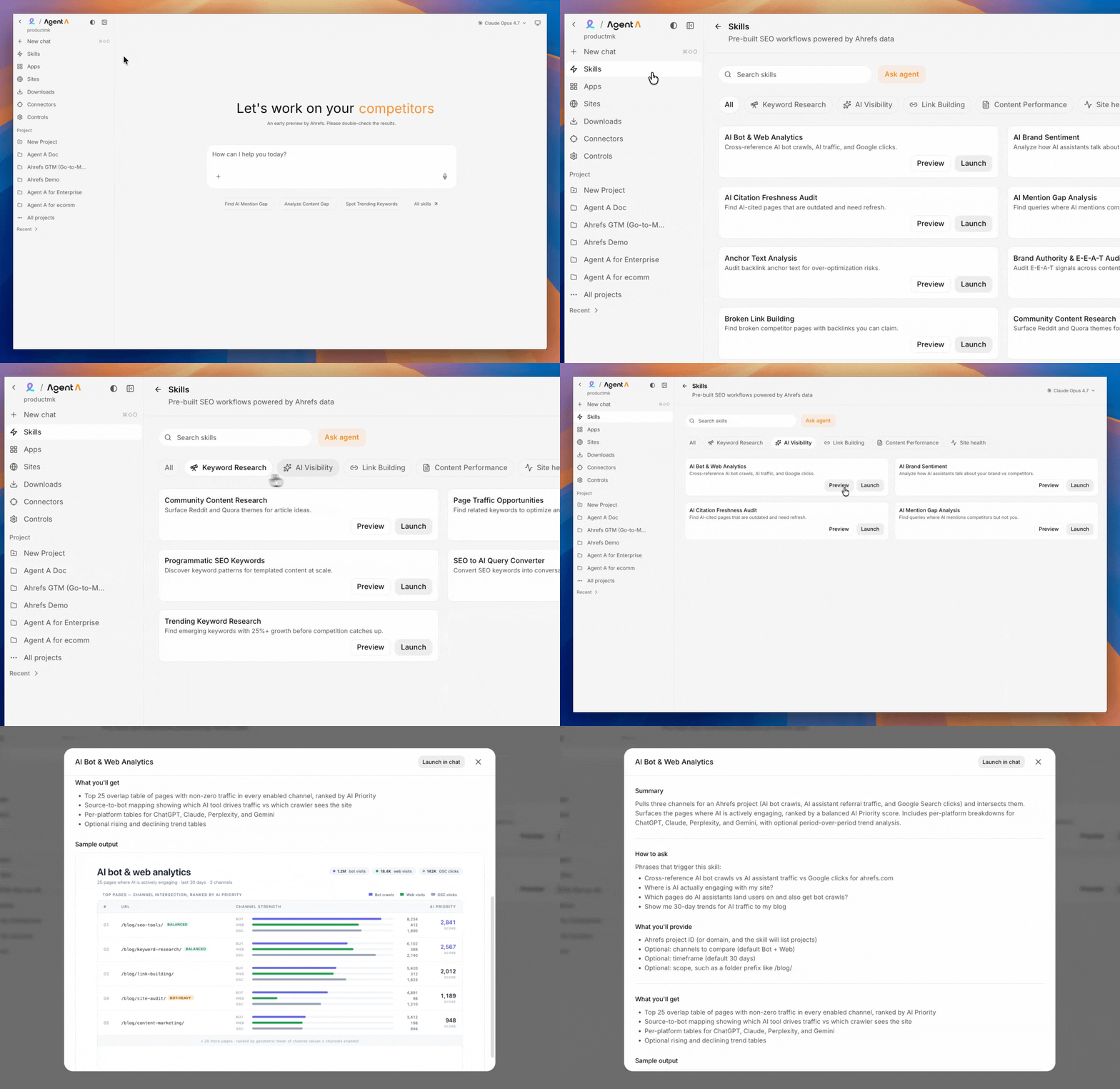
Click on Preview to see the actual instructions, what input is required from your side, and an example of the sample output.
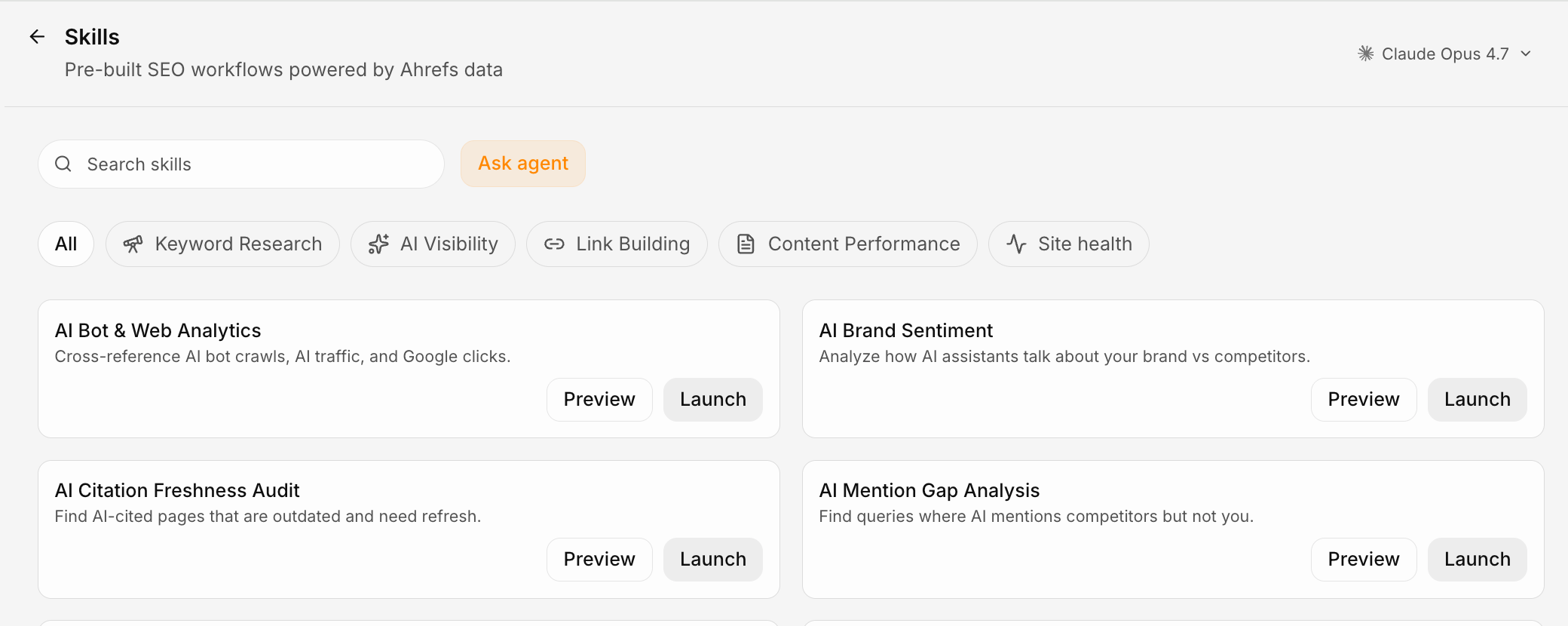
Pre-built skills (curated by Ahrefs)
Letaido ships a growing library of skills, maintained and updated regularly by the Ahrefs team. Through them, Letaido executes like a world-class marketer out of the box.
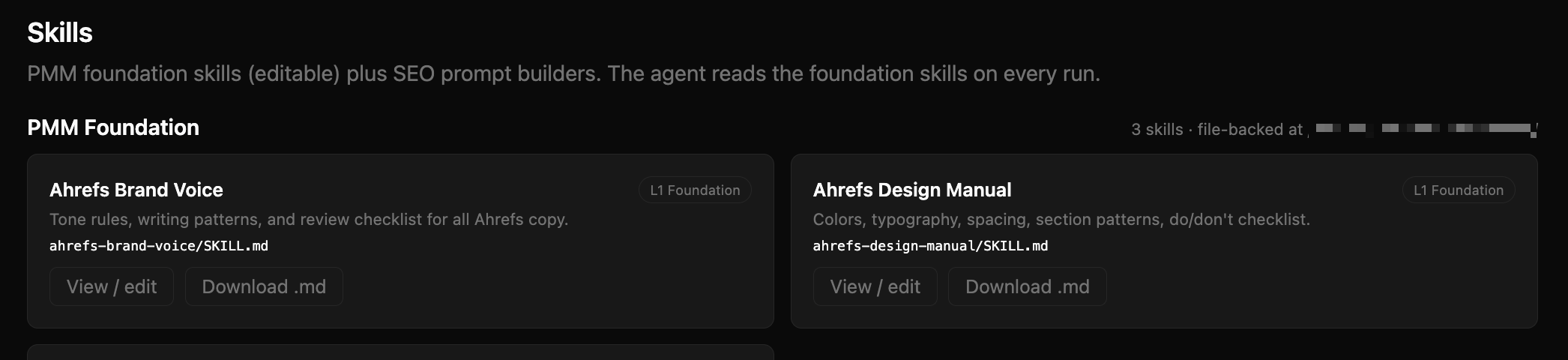
Workspace skills (your skills)
A second tier of skills lives in your own workspace under ~/workspace/skills/<skill-name>/SKILL.md. These are the rules unique to your team, product, voice, and workflows. You write, edit, and curate them.
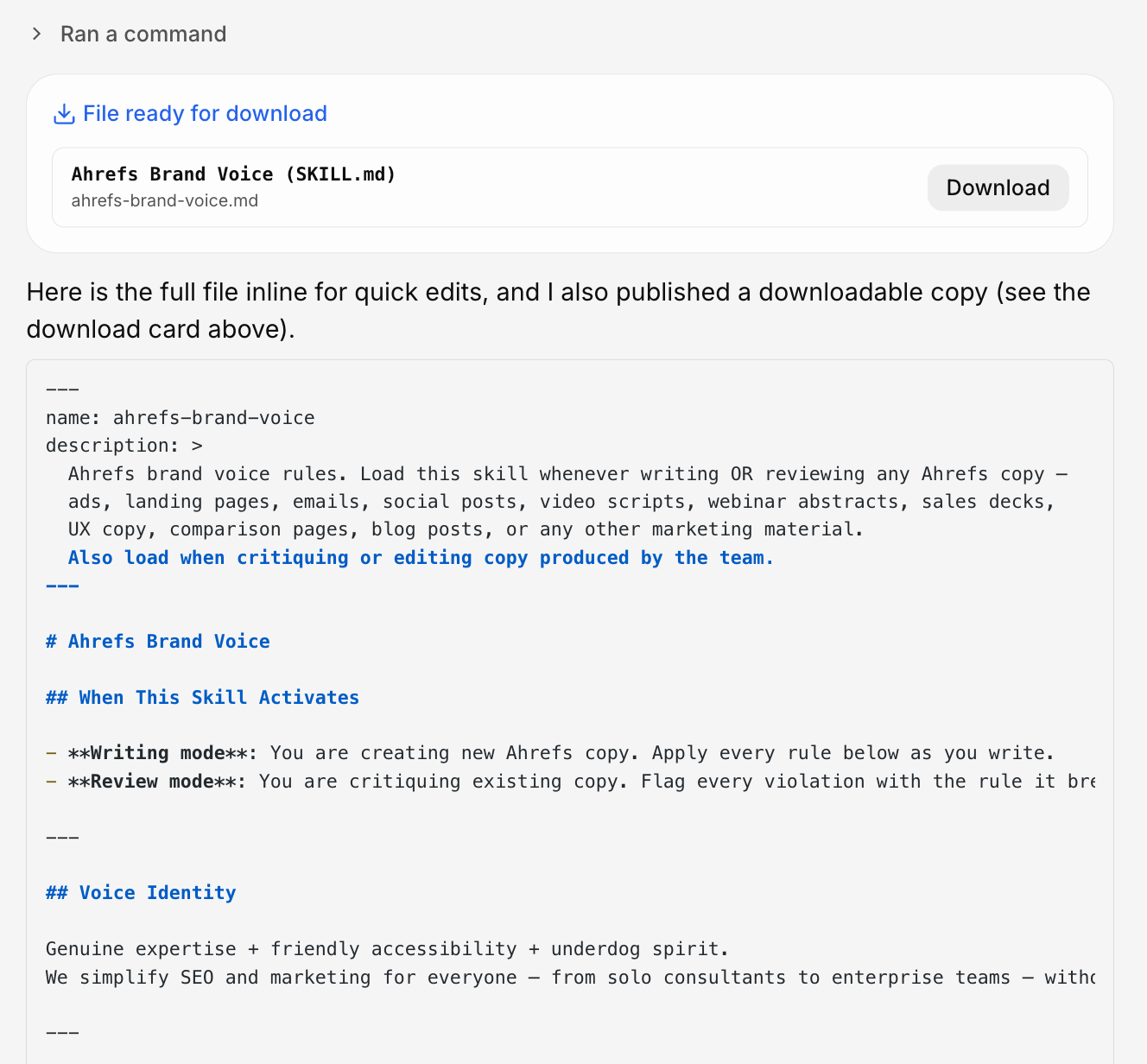
You can also ask in the chat to have the full skill file inline for edits.
How to add a new skill
The shape of the ask:
"Create a skill called
<name>that captures<rules>. The trigger description should be<one-line>. Reference examples:<paste or attach>."
Letaido:
- Drafts the
SKILL.mdwith the rules, structured for easy retrieval. - Drops it in
~/workspace/skills/<name>/. - Tests it by asking itself a representative question and reading the skill mid-flight.
How to update a skill
Direct file edit, or "update the brand voice skill: add the rule that we never use em dashes." The agent appends or revises in place. The next chat picks up the change automatically.
How a skill is structured
~/workspace/skills/<skill-name>/
  SKILL.md            ← required; description in frontmatter, body is the playbook
  reference.md        ← optional supporting docs
  examples/...        ← optional examples
  assets/...          ← optional images, templates, CSS
The SKILL.md frontmatter looks like:
---
name: ahrefs-brand-voice
description: Voice rules and review checklist for any Ahrefs copy. Load when writing or reviewing copy for landing pages, emails, ads, video scripts, or briefs.
---
The description is what the agent matches against. If it is vague, the skill won't trigger when you want it to. If it is precise, it activates exactly when relevant.
When the agent uses a skill
At chat start, the agent sees the list of available skills (both pre-built and workspace) plus their descriptions. When a request matches, it reads the body before doing the work.
- Writing a landing page → reads
ahrefs-brand-voiceandahrefs-design-manual. - Generating a PDF → reads
PDF(mandatory; the sandbox blocks several common libraries). - Calling a third-party API → reads
connectors. - Writing a Console page that calls an LLM → reads
llmandpydantic.
You can also force-load a skill: "use the brand voice skill before answering."
Under the hood. Skills are not magic. They are markdown the agent decides to read based on a description match. The cost is the read; the benefit is consistency. Pre-built skills come from the platform's read-only store; workspace skills live in your workspace and are yours to evolve. If a rule needs to apply to one chat, just say it in chat. If it needs to apply to every chat going forward, put it in a skill or in memory.